

A Transcription Comparison
On my quest to find new content for my Japanese immersion I came across this video here: 【完全解説】よくわかる『スクウェア・エニックス』栄光と低迷の40年史 1982~2026【保存版】
It’s a video about the history of Square Enix. I thought “Cool, let’s get this video transcribed”, but then I noticed that the video itself has baked-in subtitles.
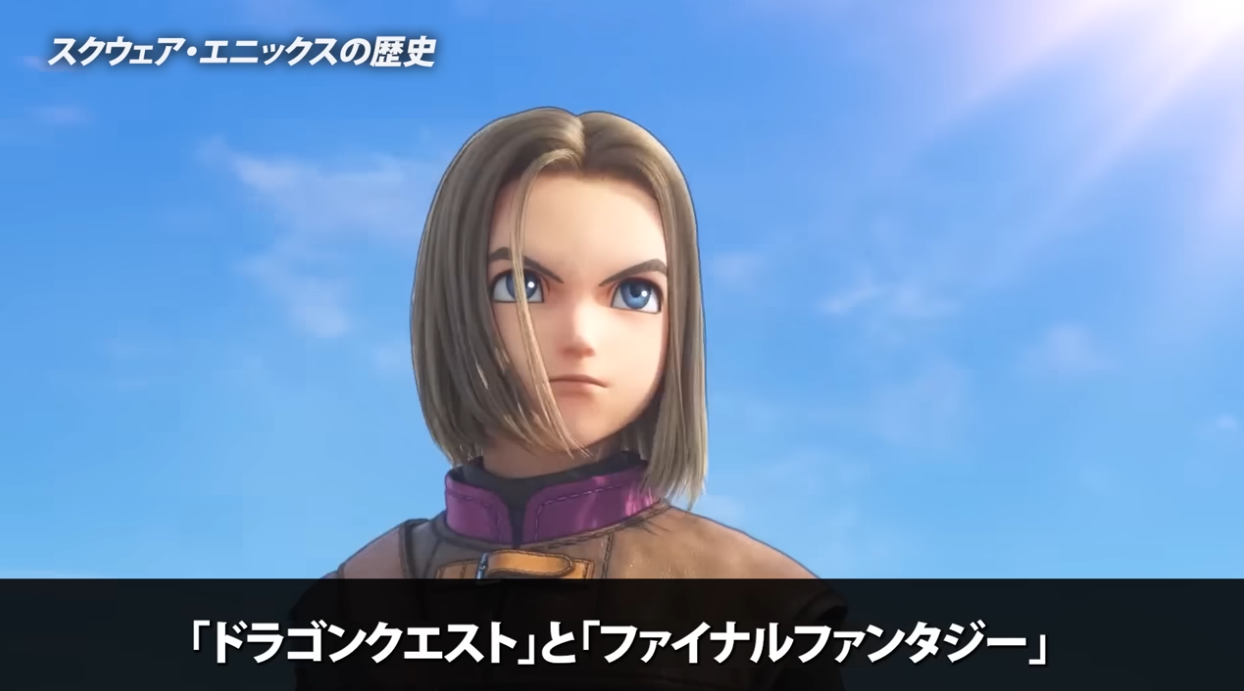
Dragon Quest and Final Fantasy
I usually transcribe my videos with Soniox, which takes the audio and writes a transcription using it, however this time there a perfectly good subtitles I could use, I just needed a way to get them.
My first thought was to use OCR (Optical Character Recognition) to get the text, I’ve used it in English in the past and it tends to work fine but I was worried that it wouldn’t pick up the kanji very well. So I had an idea.
The Experiment
To determine what was best I decided to transcribe the video twice, using OCR and Soniox. For OCR I used EasyOCR and had Claude handle it for me before giving me a comparison.
Here are the results Claude gave me:
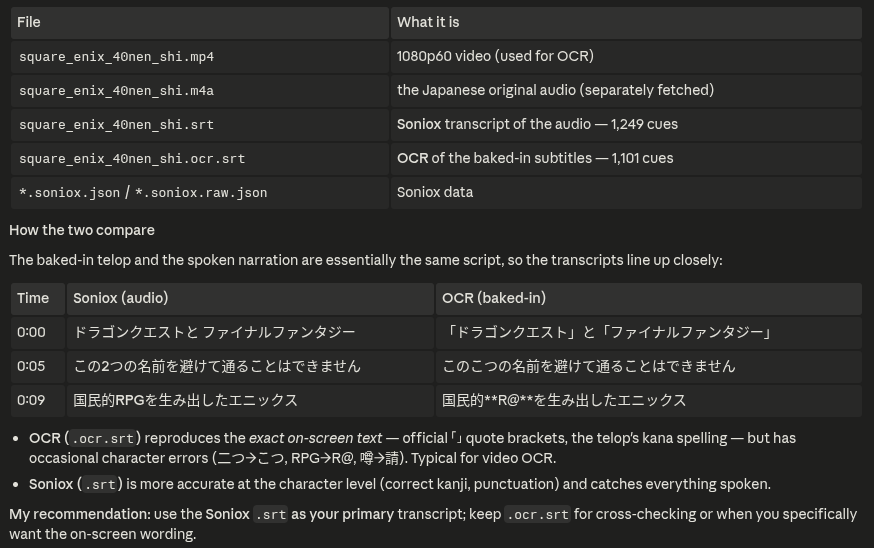
As we can see, Soniox wins
So there we have it, you should always transcribe with audio right? Wait a second there, not everyone has the money to spend on Soniox and EasyOCR is free, so shouldn’t we compare EasyOCR to an audio transcription model that’s also free?
So I went ahead and did just that. I used Whisper v3 large and ran it on my machine locally to compare against EasyOCR’s transcription.
Here are the results:
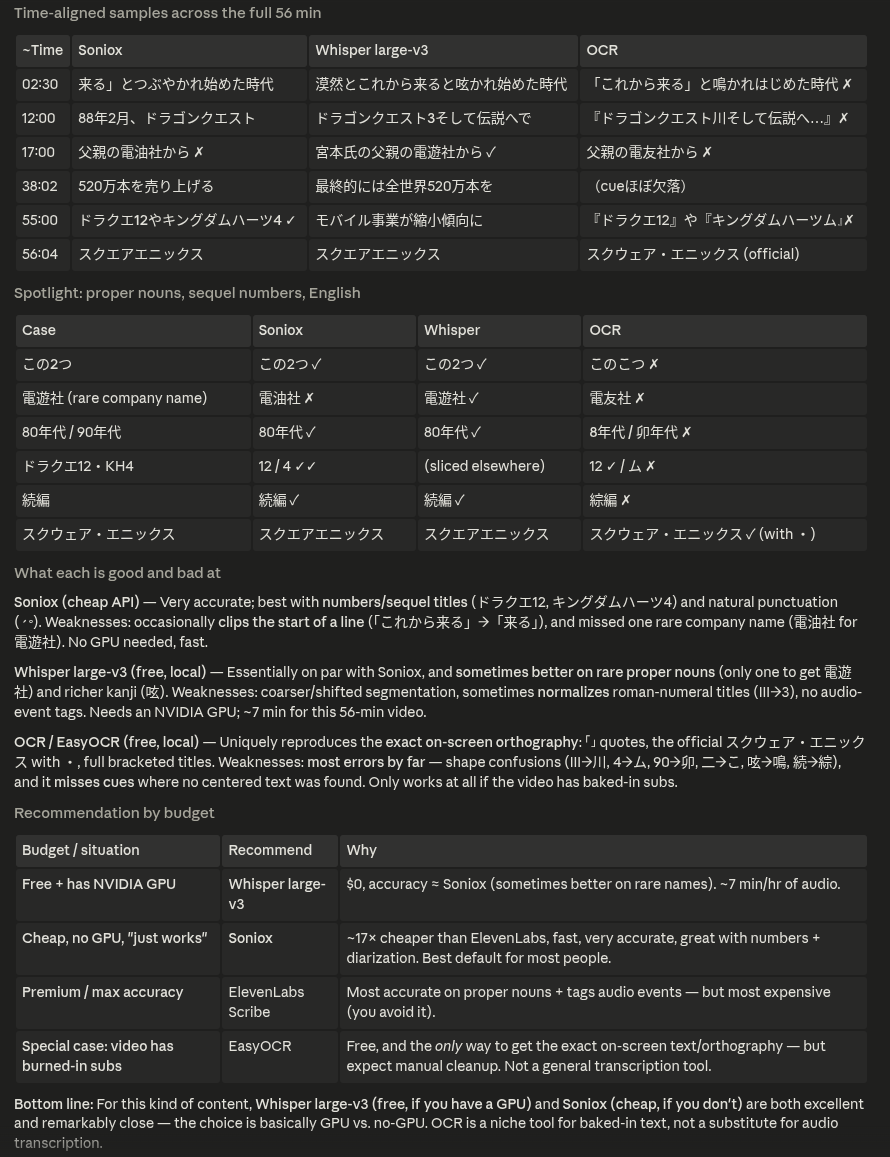
Yet again, EasyOCR loses
And here we see EasyOCR losing again, it can’t keep up with either the Soniox or Whisper models, that is, according to Claude. But what if I did a manual check?
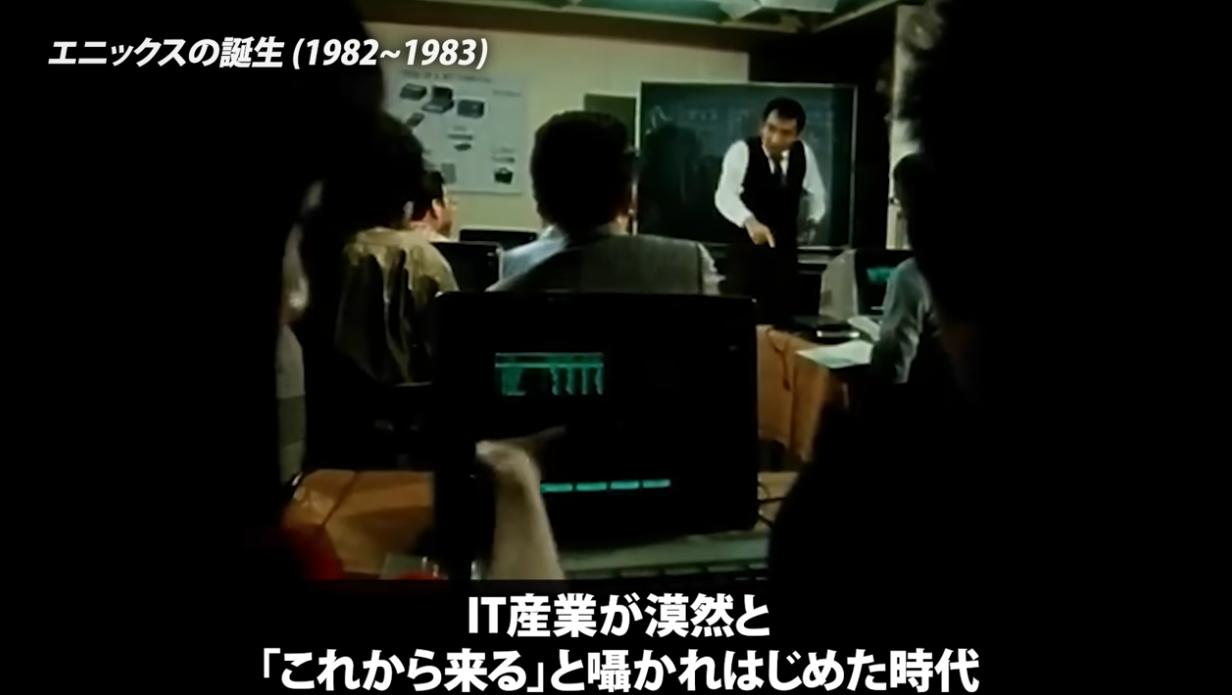
02:30
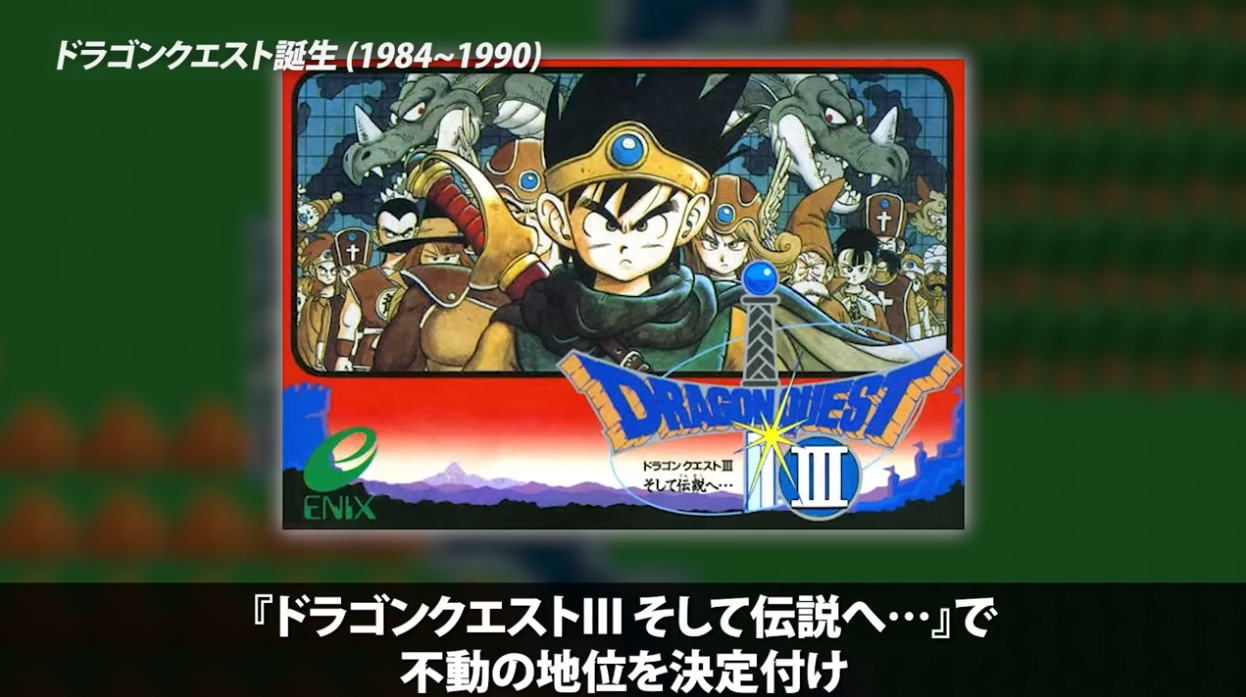
12:00
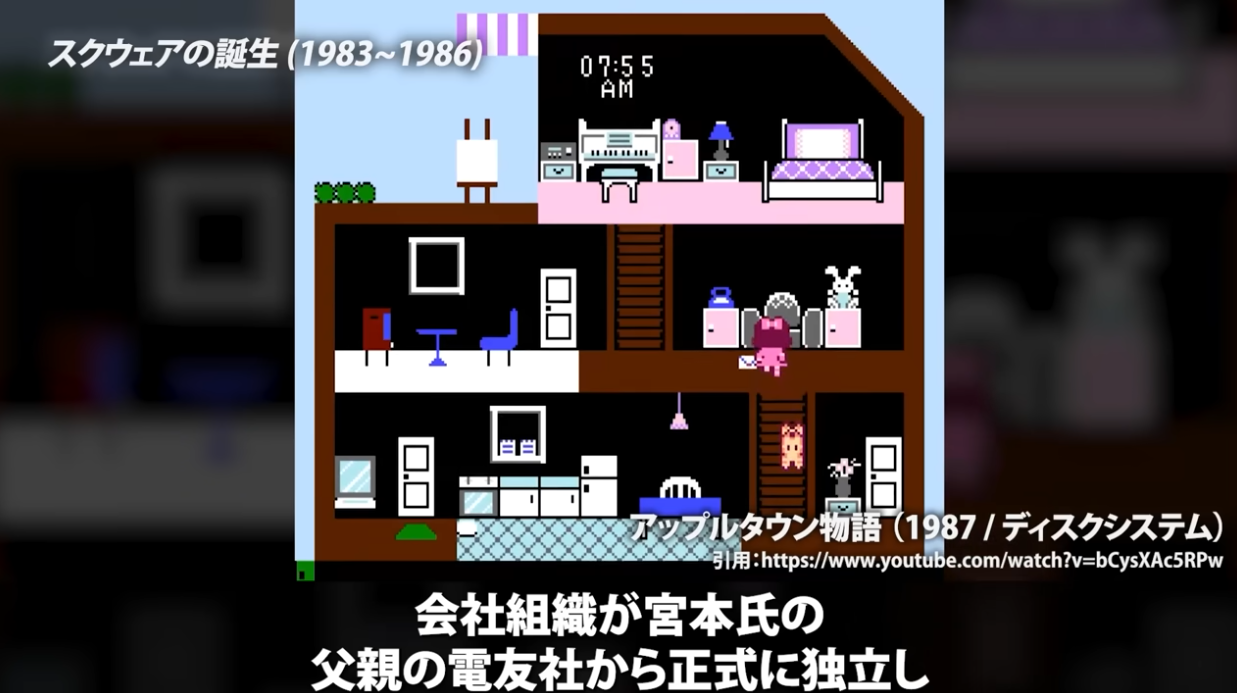
17:00
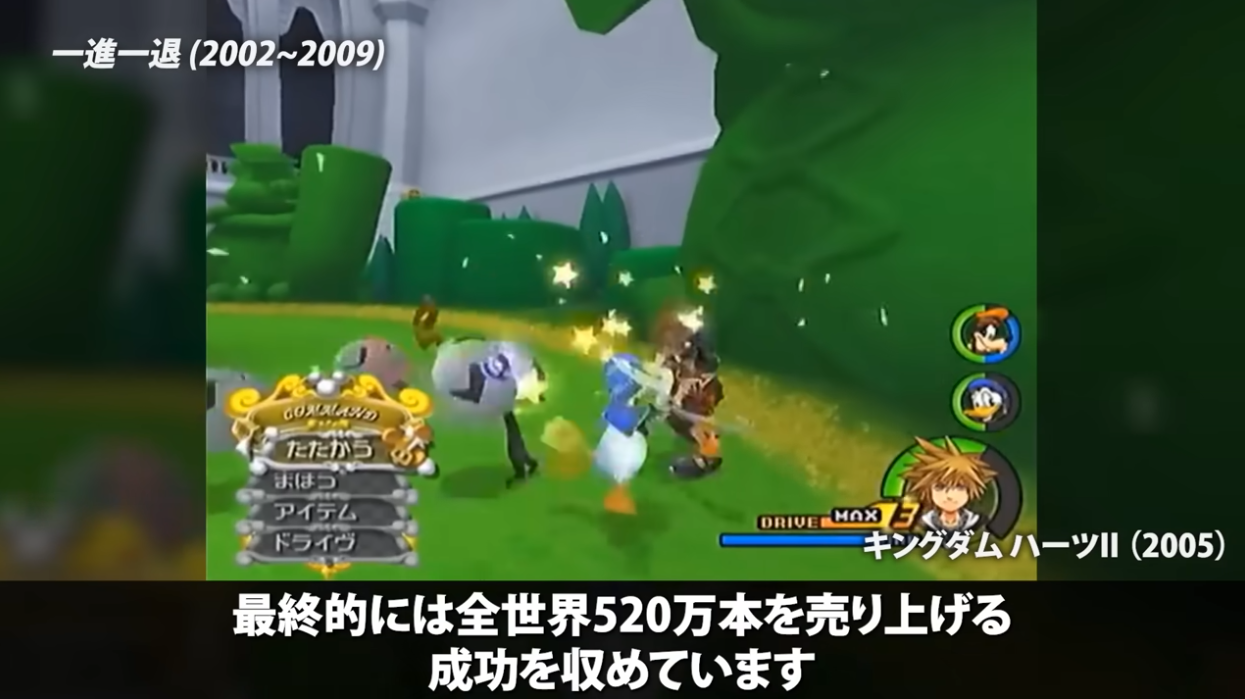
38:02
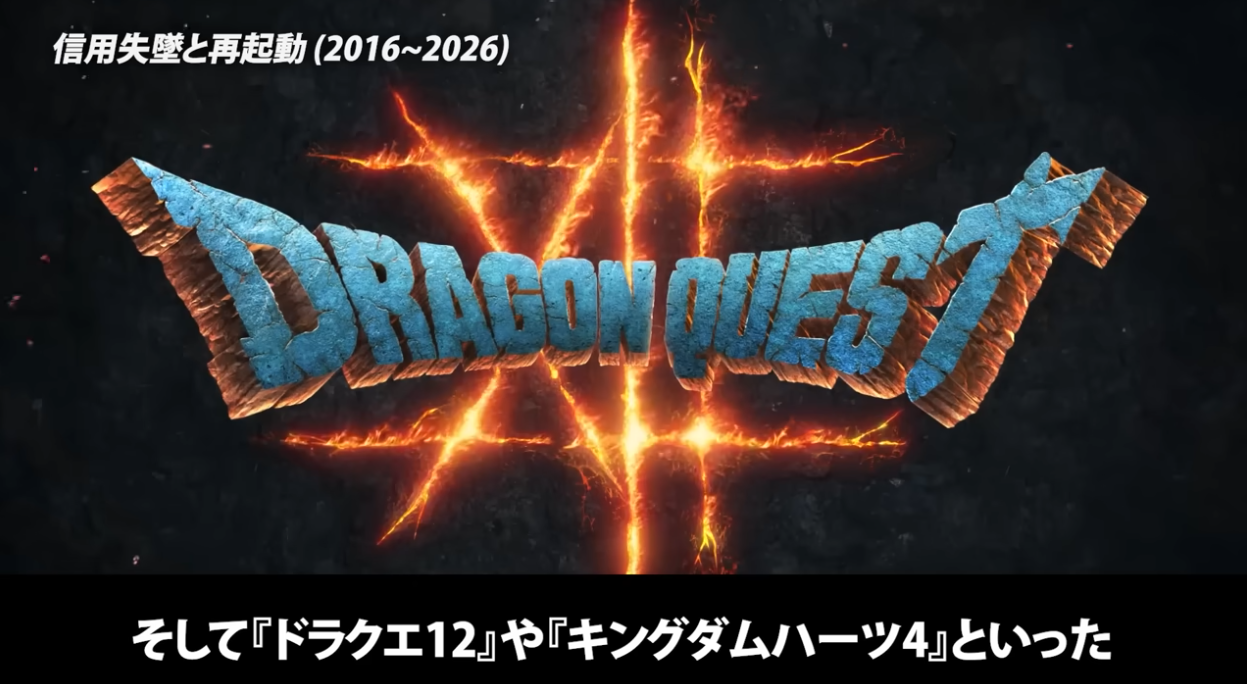
55:00
56:04
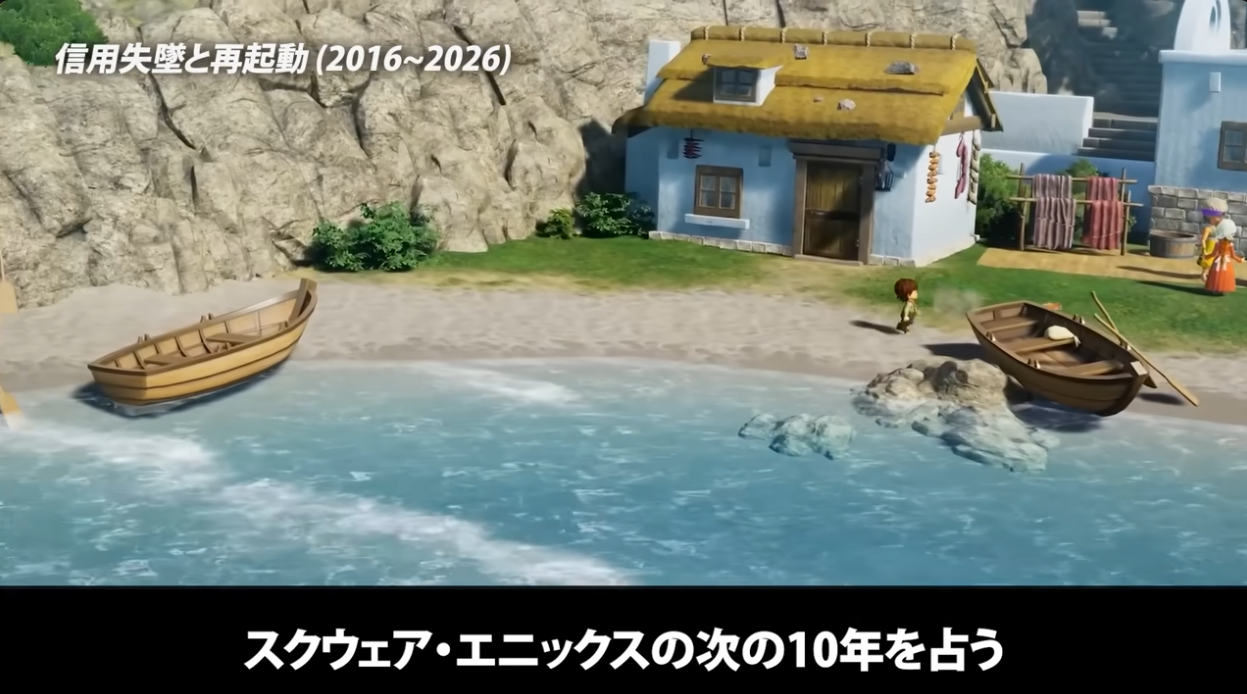
If you look at the images provided and compare them to the results you might notice somthing, Claude was dead wrong. Most of the time EasyOCR actually transcribes the subtitles perfectly or near perfectly. There are some issues like it interpreting III as 川 and I have no idea what “(cueほぼ欠落)” is supposed to mean, but all in all it does a really good job. Whisper and Soniox aren’t bad either but there are more mistakes and the timing is slightly off for both of them too.
I’d personally ignore Claude’s comparison between Whisper and Soniox as Claude doesn’t know how accurate either are to the original video. Also ignore anything it says about ElevenLabs, it is more expensive than Soniox but I don’t know where its getting the 17x cheaper figure from or why it even included ElevenLabs in the first place. In my experience Soniox is roughlt around 4x - 6x cheaper than ElevenLabs (which is still significant).
Conclusion
So, with my hands on manual checks you might expect me to recommend EasyOCR right? Well… the main problem here is that this video was a best case scenario: Big White text on a black background.
Soniox is still accurate enough all things considered and I’m sure EasyOCR would’ve done much worse if the baked in subtitles weren’t as clean as they are. So honestly? Testing is inconclusive, I’ll have to test videos with messier subtitles.
Though, I would actually recommend using OCR for videos like this one, it seems to work incredibly well.
Comments
Loading comments…